


SERVICES
Application
The services we offer include ICT services for UMS members as well as the general public where applicable.
01 Exclusive Email Application (JAFPIB, Event & Unit)
02 Application for a New System
03 Application for System Improvement (Change Request)
04 Facility Rental Services
05 System User Registration Form Application (Website)
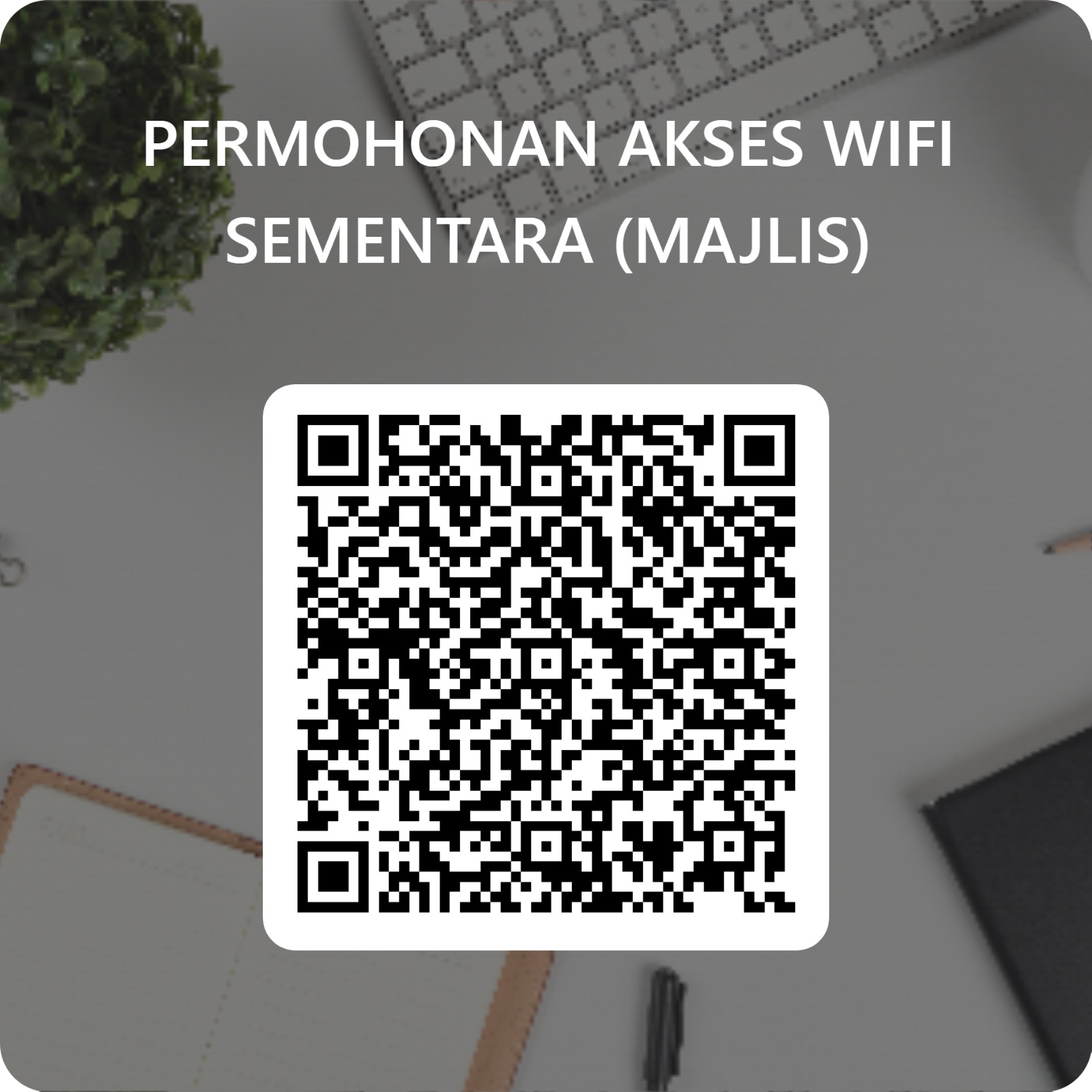
06 WIFI Access Application (Program/Event)
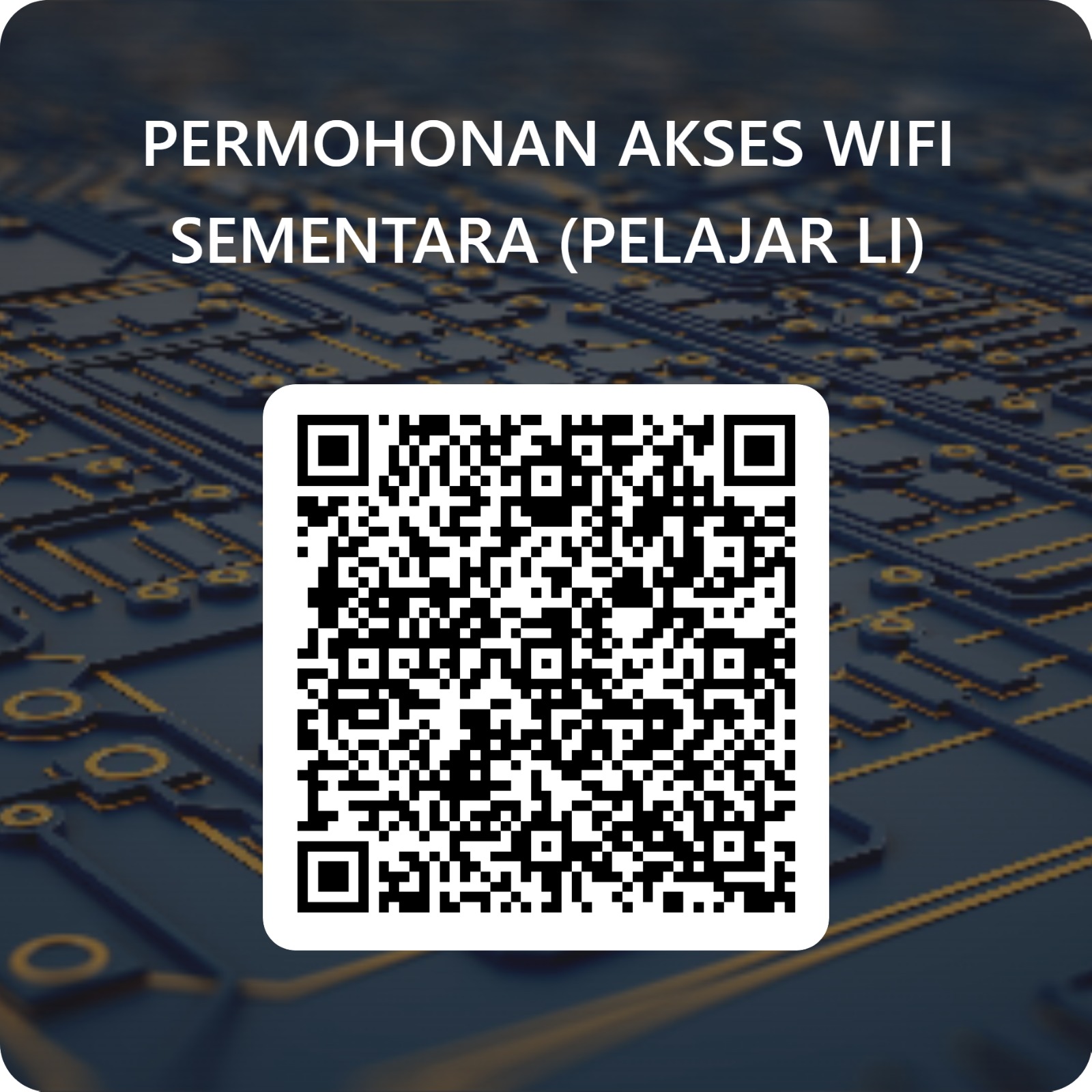
07 WiFi Access Application (Industrial Training Students)
- Auditorium
- Smart Space
- Specialized Computer Lab
- Specialized ICT Training Room
- General Computer Lab 1
- General Computer Lab 2
- Server Room/Data Centre
Usage: Seminar
Capacity: 70 people
Floor Area: 11.63m x 13.61m = 158.28 sq. m
Building Finishes:
- Permanent Building Type
- Concrete Roof
- Asbestos Ceiling
- Plastered Brick Wall
- Cement/Tile Floor
Facilities:
- 64 auditorium chairs
- LED TV
- Rostrum
- PA system
- Air conditioner
Rental Rates:
- Hourly (RM): 240.00
- Day (RM): 1,730.00
Usage: Smart Classroom
Floor Area: 105.2mp
Building Finishes:
- Permanent Building Type
- Concrete Roof
- Asbestos Ceiling
- Plastered Brick Wall
- Cement/Tile Floor
Facilities:
- 30 sets of tables and chairs
- Video conferencing
- Speaker & microphone
- 3 Smart TVs
- Internet access facilities
- Air conditioner
Rental Rates:
- Hourly (RM): 65.00
- Day (RM): 470.00
Usage: Computer Lab
Floor Area: 10.11m x 9.77m = 98.77 sq. m
Building Finishes:
- Permanent building type
- Concrete roof
- Asbestos ceiling
- Plastered brick wall
- Cement/Tile floor
Facilities:
- 50 desktop computer sets
- 50 sets of tables and chairs
- 2 Smart TVs
- 2 whiteboards
- Speaker & microphone
- Internet access facilities
- Air conditioner
Rental Rates:
- Hourly (RM): 380.00
- Day (RM): 2,740.00
Usage: Computer Lab
Floor Area: 111.85mp
Building Finishes:
- Permanent building type
- Concrete roof
- Asbestos ceiling
- Plastered brick wall
- Cement/Tile floor
Facilities:
- 41 desktop computer sets
- 41 sets of tables and chairs
- 2 Smart TVs
- 2 whiteboards
- Speaker & microphone
- Internet access facilities
- Air conditioner
Rental Rates:
- Hourly (RM): 310.00
- Day (RM): 2,200.00
Usage: Living Lab - Vacant Space
Floor Area: 217.35mp
Building Finishes:
- Permanent building type
- Concrete roof
- Asbestos ceiling
- Plastered brick wall
- Cement/Tile floor
Facilities:
- Vacant Space
Rental Rates:
- Day (RM): 260.00
Usage: Living Lab - Vacant Space
Area & Capacity: 193.05mp
Building Finishes:
- Permanent building type
- Concrete roof
- Asbestos ceiling
- Plastered brick wall
- Cement/Tile floor
Facilities:
- Vacant Space
Rental Rates:
- Day (RM): 260.00
Usage/Rental: Server Rack Space (1 unit - Full Rack)
Floor Area: 0.93m x 1.24m = 1.15 sq. m (1 rack unit)
Facilities:
- Full Control / 24-Hour Security
- Air conditioner
Rental Rates:
- Month (RM): 4,000.00
Introduction
Wireless Fidelity (Wi-Fi) is a wireless local area network (WLAN) standard that allows electronic devices to exchange data or connect to the internet. This standard is developed based on the IEEE 802.11 specification.
By using an Access Point (AP) or a wireless router, users can access the LAN or the internet without cables, within a range of up to approximately 100 meters (300 square feet).
At Universiti Malaysia Sabah (UMS), Wi-Fi facilities are provided for students and staff, and are also open to visitors such as external students, researchers, and vendors. The Digital Department is responsible for ensuring that Wi-Fi coverage is continuously provided and expanded across the main campus and branch campuses from time to time.
Wi-Fi Technology Coverage at UMS
UMS Wi-Fi coverage spans almost the entire campus area and can be accessed at any time in locations such as:
Faculties
Lecture halls
Residential colleges (including colleges outside the UMS area)
Library
Research centres
Administrative offices
How to Use UMS Wi-Fi
Each user may register up to 3 devices at a time. The connection steps are as follows:
On your device (computer, smartphone, or tablet), open the Wi-Fi settings.
Select the available network: UMS-STAFF, UMS-STUDENT, UMS-GUEST, or EDUROAM.
A login screen will appear. Enter your username and password.
Policy & Regulations
Users are required to comply with the rules set in the UMS ICT Policy for the use of the university's Wi-Fi service.
For further information, please contact us via email: digital@ums.edu.my
Introduction
We manage and provide ICT security at UMS using the Next Generation Firewall (NGFW). This technology helps to reduce system complexity and lower the cost of ownership, while ensuring more comprehensive network protection.
Key Features of ICT Security
Our ICT security system covers:
Firewall Policy
URL Filtering
Application Control
Intrusion Prevention System (IPS)
Security Incident Reporting
Incident Report
If you or your department become a target of:
Hacking
Phishing
Ransomware attacks
Unlawful cyber activities
👉 Please report it immediately via the provided link. The information you provide is crucial in helping us prevent similar incidents in the future.
Our Services
The ICT Security Sector is responsible for controlling and mitigating threat risks at UMS through:
Testing and auditing of ICT security levels
Raising ICT security awareness among the UMS community
Development of the ICT Security Policy
Reporting of any policy violations to the UMS ICT Security Committee
Contact Us
For further information, please contact:
📧 digital@ums.edu.my


